If your child spends time on Roblox, chances are they’ve already talked about planting carrots, watering crops, or “expanding their land.” Welcome to the viral world of Grow a Garden game, a peaceful farming sim that’s suddenly dominating the Roblox charts.
In fact, more than 16 million people — many of them children — played it in a single weekend, according to a BBC News report. Not bad for a game about tomatoes.
While Roblox is usually filled with fast-paced, chaotic games, Grow a Garden stands out by being calm, colorful, and quietly addictive. But what makes this game so appealing — and how can parents make sure their kids are using it safely?
Let’s explore.
Grow a Garden is a farming simulation game inside Roblox where players grow crops, earn coins, and slowly build their own dream garden. It’s relaxing, low-pressure, and perfect for younger users.
Unlike most Roblox games with enemies or combat, Grow a Garden is focused on simple tasks: plant seeds, water them, harvest the crops, and sell them for upgrades. The more you play, the more tools and land you unlock.
For many kids, it’s their first introduction to strategy, creativity, and resource management — all in one.
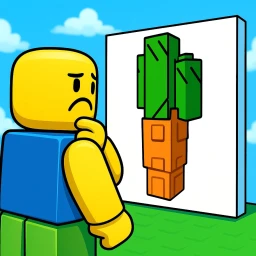
Part of the appeal is how rewarding the game feels. Every small action leads to visible progress: a seed becomes a sprout, then a full-grown vegetable. Kids love the instant feedback and sense of accomplishment.
But there’s also the visual charm. The game is colorful, cozy, and kid-friendly — with rounded characters and a cheerful soundtrack that makes everything feel fun, not stressful.
If your child enjoys games like Adopt Me or Brookhaven, Grow a Garden offers a quieter, more mindful experience.
Because Roblox is an open platform, it’s crucial that parents stay involved, even with safe games like Grow a Garden.
Here’s how to supervise and support your child’s gameplay:
Roblox has a robust set of parental tools. You can:
Limit who your child can chat with
Turn off in-game purchases
Restrict access to certain games
Monitor playtime and account activity
To do this, go to your child’s Roblox account settings and enable Account Restrictions. From there, you can control privacy, contact settings, and more.
One of the best ways to understand what your child is playing is to join them. Grow a Garden is simple enough that even non-gamer parents can jump in.
By gardening together, you’re not just bonding — you’re also keeping an eye on how the game works, how other players interact, and how your child behaves in the digital world.
While Grow a Garden is free-to-play, it does offer in-game purchases using Robux. These can include faster tools, rare seeds, or cosmetic items.
Use this as an opportunity to teach your child about digital money, value, and budgeting — instead of saying “no” to all purchases, have a conversation.
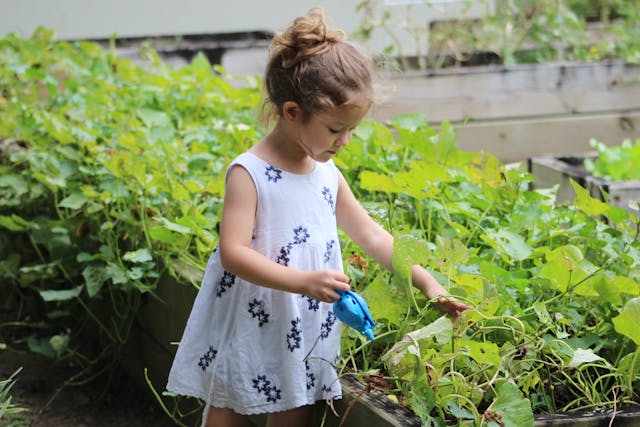
Even though it looks like a game, Grow a Garden sneaks in a few valuable life lessons:
Responsibility: Plants won’t grow unless you take care of them.
Time Management: Knowing when to harvest or water is part of the fun.
Planning Ahead: Choosing which seeds to buy based on space and budget.
Delayed Gratification: Some crops take longer — and that’s okay.
Compared to chaotic or competitive Roblox games, Grow a Garden encourages a slower pace that supports focus, patience, and gentle strategy.
Yes. The full experience is free to play, though optional upgrades can be purchased with Robux.
Yes — especially with Roblox’s parental controls enabled. It’s designed to be non-violent and easy to understand.
Absolutely. You can turn off chat in the main Roblox settings.
Yes, but interactions are limited to visiting others’ gardens. There’s no competitive play or aggressive behavior.
Surprisingly, yes! Many players become curious about actual gardening, responsibility, and planning after playing.