Children today grow up surrounded by screens. Phones, tablets, and laptops are part of school, entertainment, and social life. While technology brings benefits, it also creates real challenges for parents. Many families struggle to manage screen time and keep kids safe online.
This is why top parental control apps have become essential digital parenting tools. These apps help parents monitor screen usage, filter content, and guide children toward healthy online habits. In this article, you will learn how parental control apps work, what features matter most, and which options are best for monitoring kids’ screen time in 2026.
Parental control apps are software tools that help parents supervise their children’s device usage. They work across smartphones, tablets, computers, and Chromebooks. Parents use these apps to set rules, monitor activity, and reduce online risks.
Unlike basic device settings, modern parental monitoring tools offer detailed reports and real-time controls. This allows parents to stay informed without invading privacy.
Most reliable parental control apps include the following features:
Track how long children spend on apps, games, and websites.
Set daily limits or usage schedules to encourage balance.
Block inappropriate websites and unsafe online content.
Approve, block, or restrict specific apps and games.
Review browsing history and app usage patterns.
Monitor your child’s location using GPS features.
These features support child online safety while allowing flexibility as kids grow.
Screen time has increased significantly in recent years. Short-form videos, online games, and social media platforms are designed to keep users engaged. Without limits, children may spend excessive time online.
Research links unmanaged screen time to sleep issues, reduced focus, and emotional stress. Using top parental control apps helps parents:
Encourage healthier screen habits
Reduce exposure to harmful content
Support routines for school and sleep
Build trust through transparency
Technology alone is not the solution. The best results come from combining parental control apps with open conversations.
Every family has different needs. Before choosing a parental control solution, consider the following factors.
Parents should look for a clean dashboard and simple setup. Complicated tools often lead to poor long-term use.
Choose apps that work across iOS, Android, Windows, macOS, and Chromebooks if your family uses multiple devices.
Strong screen time management tools allow flexible limits and custom schedules.
Clear reports help parents understand patterns and identify issues early.
Trustworthy family safety apps protect user data and follow strict privacy standards.

Kaspersky Safe Kids combines digital security with parental monitoring tools. It works well for parents who want strong screen time control and content filtering.
Screen time limits and usage reports
Website and app filtering
YouTube Safe Search
Real-time location tracking
Instant behavior alerts
Kaspersky Safe Kids supports iOS and Android. The setup takes time, but the insights are detailed and easy to understand.
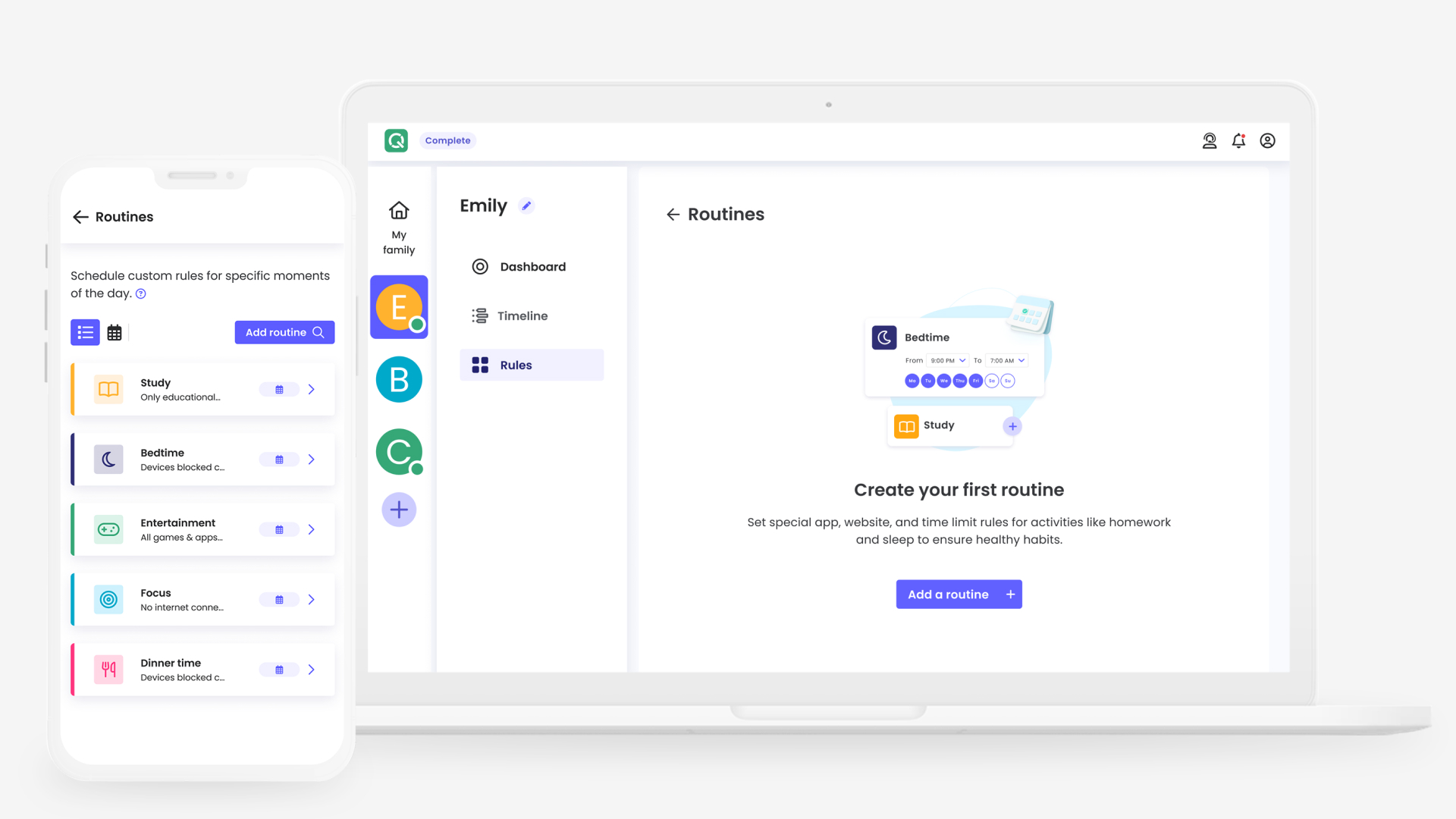
Qustodio remains one of the most popular parental control apps worldwide. It offers strong screen time monitoring and clear activity reports.
App and website blocking
Screen time schedules
Activity tracking
Call and SMS monitoring
Location tracking
Qustodio works on Android, iOS, Windows, macOS, Kindle, and Chromebook. It suits families with multiple devices.
OurPact focuses heavily on screen time enforcement. Parents can block apps instantly and create structured routines.
App blocking and approval
Internet blocking
Screen time scheduling
Location tracking
Screen view monitoring
OurPact offers powerful controls, especially for younger children. Setup on iOS requires extra steps.
Net Nanny is known for advanced content filtering. It analyzes web content in real time instead of relying only on keywords.
Screen time management
App blocking
Website filtering
YouTube monitoring
Location tracking
Net Nanny supports Android, iOS, Windows, macOS, and Kindle Fire. Parents who prioritize online content safety often choose this app.
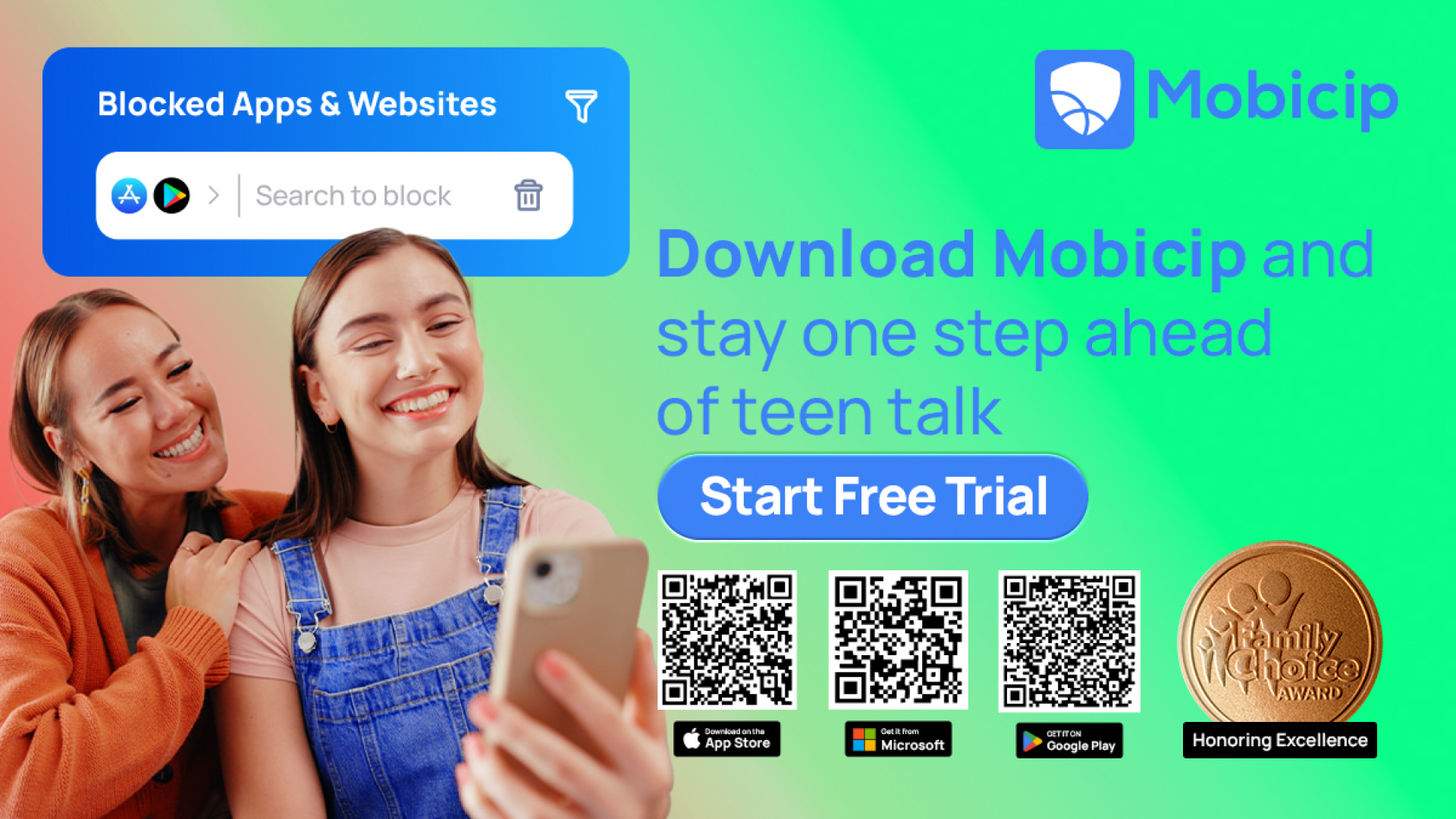
Mobicip balances screen time management with social media monitoring. It is suitable for families with older children.
Screen time scheduling
App and website blocking
Social media monitoring
Location tracking
Family activity reports
Mobicip works across most platforms and offers flexible controls, though it lacks geofencing.
Managing kids’ screen time is a long-term challenge for modern families. The right parental control app can make this task easier and less stressful. The top parental control apps offer reliable tools for monitoring screen usage, filtering content, and supporting child online safety.
No single app fits every family. Choose a solution that matches your child’s age, device usage, and daily routine. When paired with open communication, parental control apps help children build responsible and balanced digital habits that last into adulthood.