Let’s be honest: the internet can be a wild place, and TikTok is no exception. While the app is full of fun and creativity, it also has its share of risks like exposure to inappropriate content, cyberbullying, and endless scrolling that can eat up hours of your child’s day.
That’s where TikTok’s parental controls come in. These tools let you:
Block inappropriate content using features like Restricted Mode.
Set screen time limits to encourage healthy habits.
Control who can interact with your child on the app.
Keep their account private and secure.
By using these controls, you can help your child enjoy TikTok while minimizing the risks.
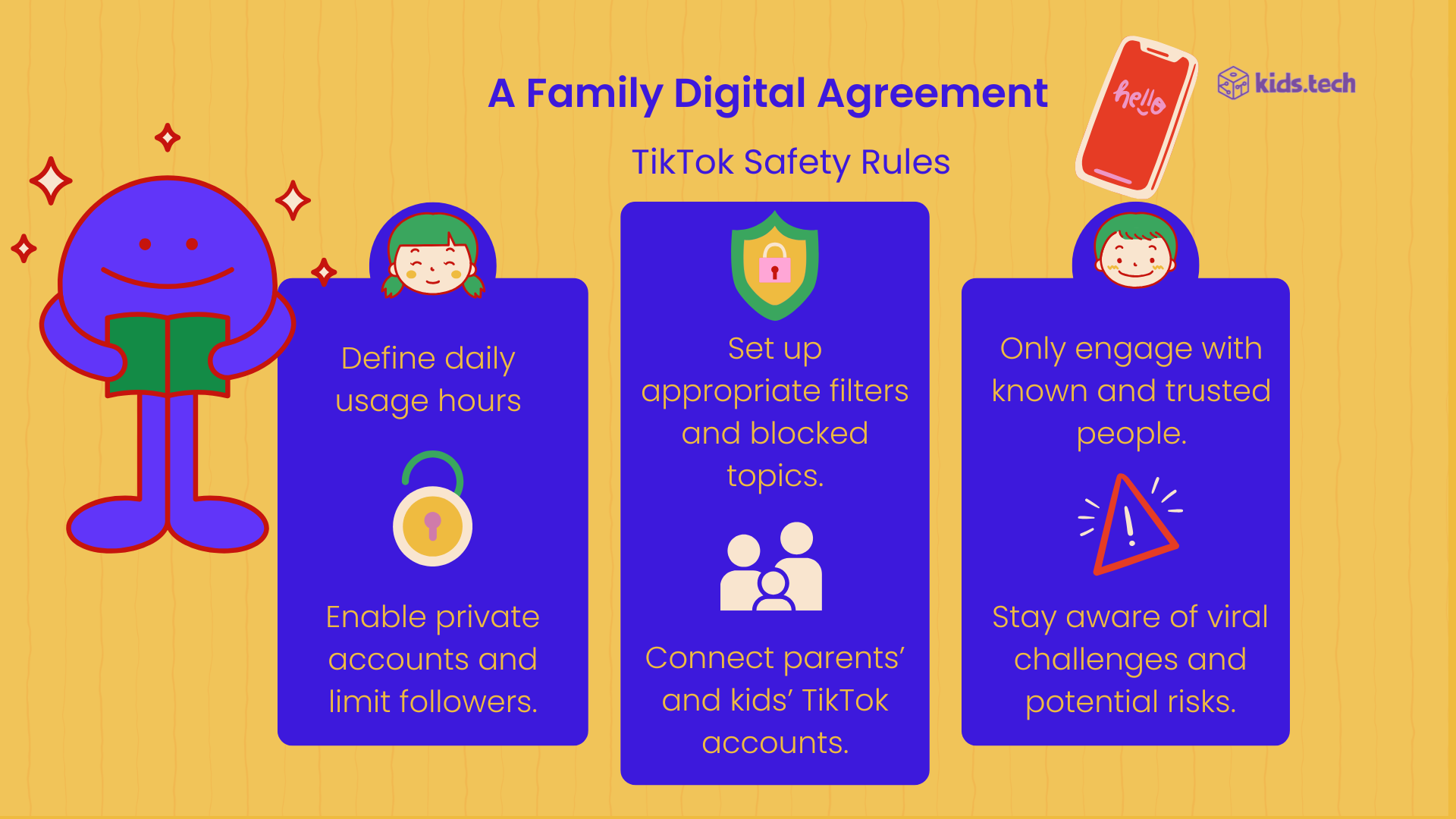
TikTok has introduced several features to help parents take control of their child’s experience. Here’s a breakdown of the most important ones:
Family Pairing is a must-use feature for parents. It allows you to link your TikTok account to your child’s account, giving you control over their settings right from your own phone. Here’s how to set it up:
Open TikTok on both your device and your child’s device.
Go to Settings and Privacy > Family Pairing.
Scan the QR code from your child’s device to link the accounts.
Once paired, you can manage screen time, privacy settings, and more—all from your phone.
One of the most powerful tools for parents is Restricted Mode. This feature helps filter out videos that may contain mature or sensitive content. Here’s how to enable it:
Open TikTok and go to Profile > Settings and Privacy > Content Preferences.
Tap on Restricted Mode and toggle it on.
Set a passcode to prevent your child from turning it off.
While Restricted Mode isn’t perfect, it’s a great first line of defense against inappropriate content.
Let’s face it: TikTok can be addictive. With Screen Time Management, you can set daily limits to help your child balance their screen time. Here’s how:
Go to Settings and Privacy > Screen Time.
Set screen time breaks. It helps reminding to take a break after period of uninterrupted screen time.
This feature ensures your child takes breaks and doesn’t spend hours scrolling.
Privacy is key when it comes to keeping your child safe online. With TikTok’s privacy settings, you can:
Set their account to Private so only approved followers can see their content.
Disable Direct Messages to prevent strangers from contacting them.
Control who can comment on their videos or duet with them.
These settings help protect your child from unwanted interactions and cyberbullying.

While TikTok’s built-in controls are helpful, here are some extra steps to boost your child’s safety:
Talk to Your Child: Have an open conversation about online safety. Teach them to recognize inappropriate content and report it.
Check Their Activity: Regularly review their TikTok account to see what they’re watching and posting.
Use Third-Party Apps: Tools like Qustodio or Bark can add an extra layer of protection by monitoring screen time and app usage.
Stay in the Loop: TikTok updates its features often. Keep an eye on new tools and settings to stay ahead.